ByBart · App 01 — Bart's Work Time

Track the hours.
Send the invoice.
Get paid.

A time tracker and invoicing app built by a Swiss tradesperson, for Swiss tradespeople. CHF, German invoices, the right VAT — done.

What it does

Five screens. One workday.

Home, time, materials, tasks, accounting. Each tab is one part of the job — and the Swiss-specific bits are baked in so you stop fixing them by hand.

01 · Zeiterfassung

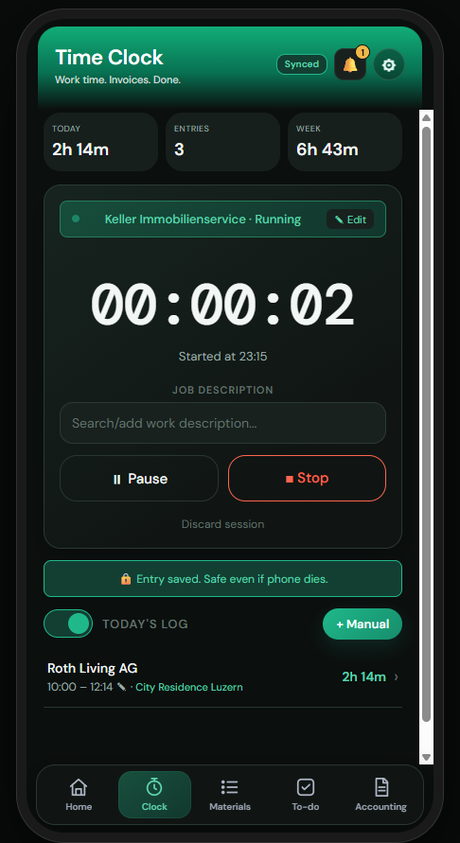
One-tap time tracking

Clock in on site, switch jobs, edit a running entry. It survives a phone restart and keeps counting — no lost hours. Today, entries and week totals up top.

02 · Buchhaltung

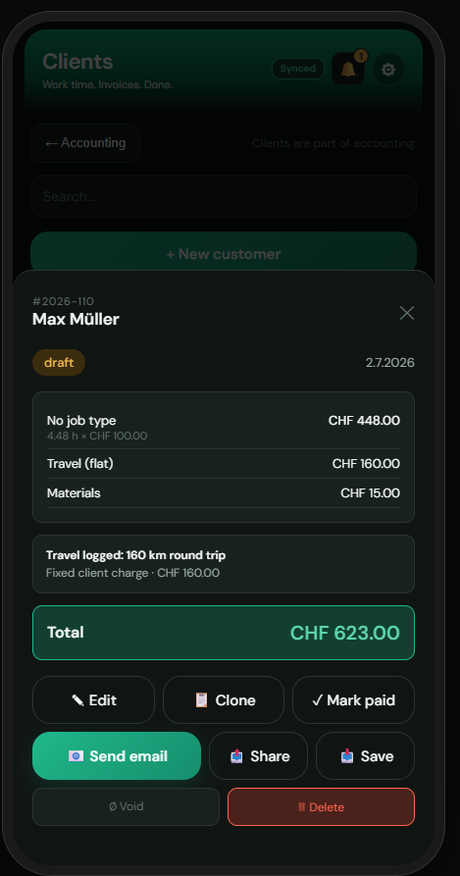
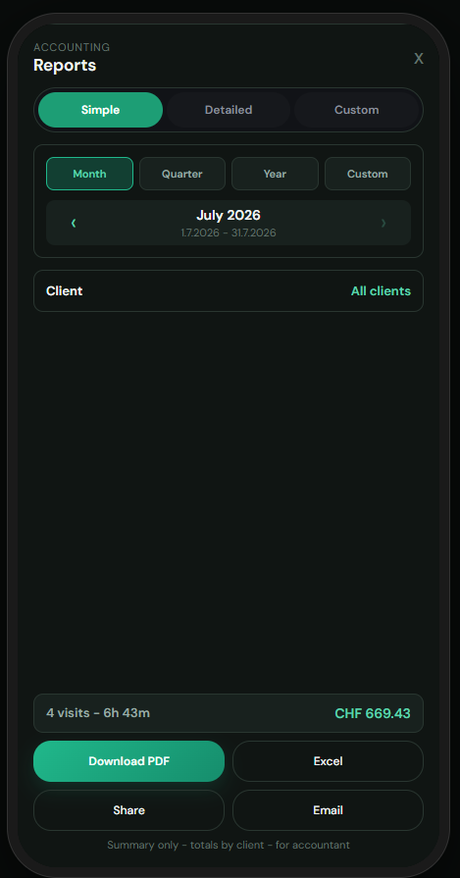
Invoices & accounting

Tracked time turns into a clean PDF invoice in CHF, in German, with the correct 8.1% / 2.6% VAT. Drafts, open and paid at a glance — plus offers and customers.

03 · Listen & Material

Materials & receipts

Log the parts and receipts per client, then drop them straight onto the invoice. A saved library means no retyping the same line every week.

04 · Home

The day, at a glance

One dashboard: uninvoiced entries waiting to be billed, unfinished invoice drafts, overdue tasks, and setup items that still need your attention.

05 · Aufgaben

Tasks that nag back

To-dos with priority and due dates, sorted so the overdue ones surface first. Tie them to a client so nothing slips between jobs.

06 · Everywhere

Offline & export-ready

Cellars and new builds with no signal? It keeps working and syncs when you're back. Pull monthly, quarterly or yearly totals when the accountant calls.

On the phone

This is what you'll be tapping.

Real screens from the app, dark mode. Light mode is one tap away inside.

BWT time tracking screen

Clock inZeiterfassung

BWT hours and invoices screen

Hours & invoicesBuchhaltung

BWT materials and receipts screen

Materials & receiptsListen & Material

Pricing

Free to try. Cheap to keep.

Pay through the website, not an app store — so the fee doesn't get padded.

Free

Get the feel of it

CHF 0 / forever
  • Time tracking, all of it
  • A handful of invoices a month
  • Premium Week every 6 months, free
Start free

Install

Onto your phone in three taps.

No app store, no account. It installs straight from the browser, works offline, and updates itself.

Add the web app

  1. Open the app in Chrome on your phone — the "Open BWT" button up top.
  2. Tap the ⋮ menu, then Add to Home screen.
  3. Launch it from your home screen like any other app. Sign in with Google and you're set.